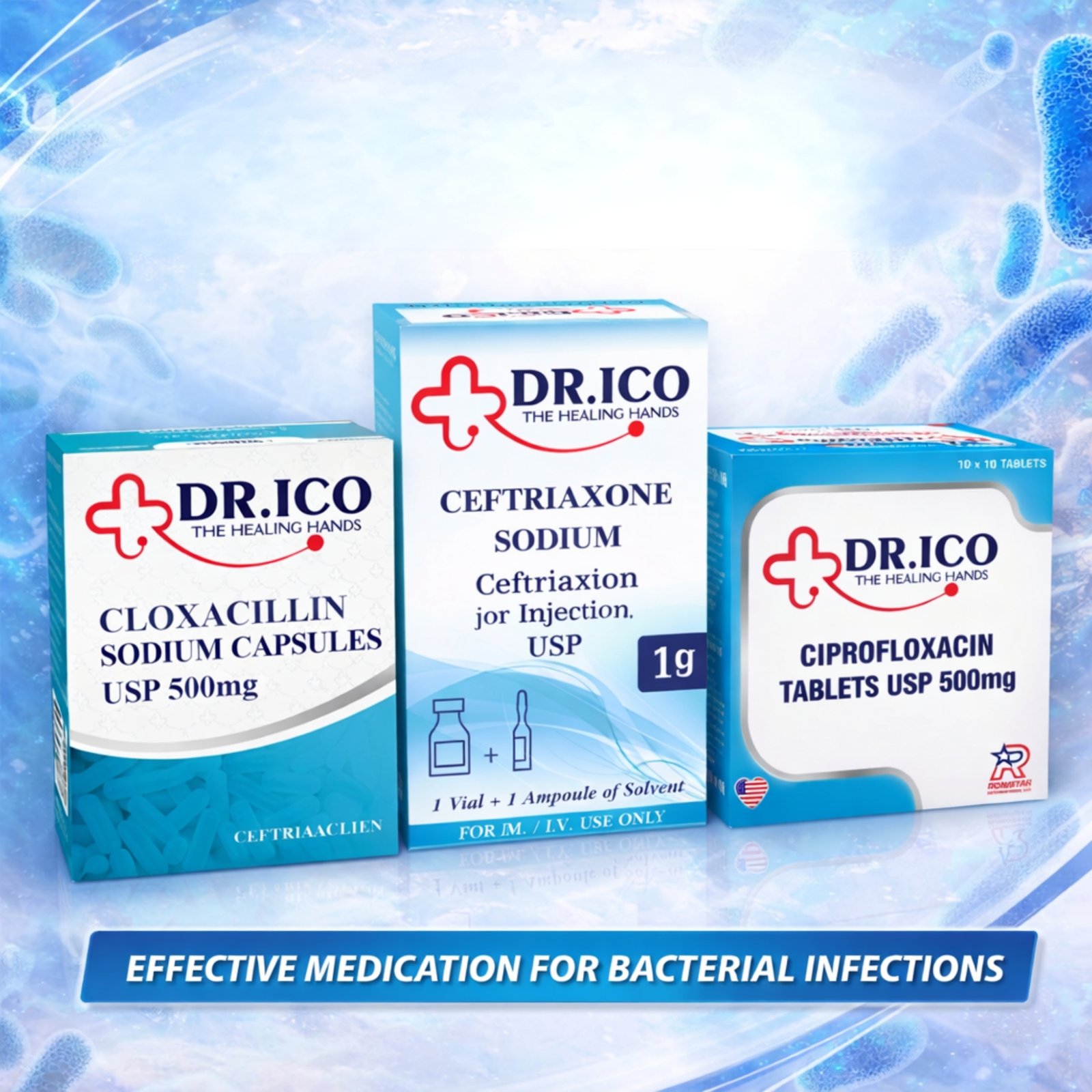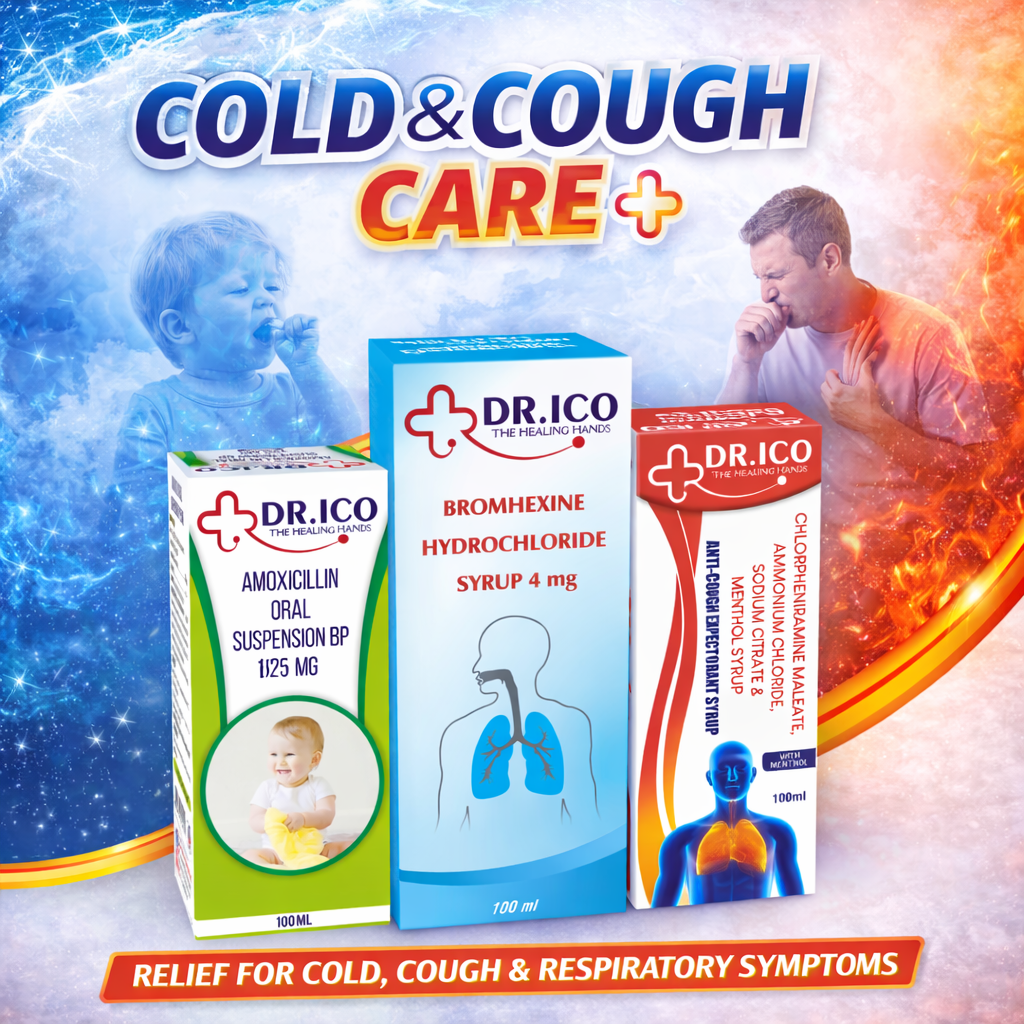
A healthcare catalogue can organize the same product in more than one useful way. Dosage-form categories describe presentations such as tablets or oral liquids. Other category names group products by a broader portfolio theme. Understanding the distinction helps a business buyer navigate without confusing a browsing label with a complete specification.
Choose the category for your task
If you are collecting bottle-based presentations, start with oral liquids. If your task concerns nutrition formats, the vitamins and nutrition category may offer a different starting point. Then open each relevant product record.
Expect category overlap
One presentation may appear in a format category and a portfolio category. Its appearance in both should not automatically produce two enquiry lines. Use the actual product URL to check whether you have selected the same record twice.
Different URLs with similar names need a separate identity check. Do not merge them purely because they share a category, ingredient name or pack colour.
Read beyond the archive card
Product cards support discovery, but the complete record may contain additional form, strength and pack wording. Copy that information exactly and retain the source link. An archive heading does not establish a product’s composition or approval status.
Move from browsing to a shortlist
- Choose the category that matches the current browsing task.
- Open the individual records that appear relevant.
- Retain the full names, URLs and presentation details.
- Check for repeated selections of the same record.
- Request any missing information before further comparison.
Review the resulting selection in the Inquiry List. Categories help you find products; precise records help the team answer your enquiry.